


Can I shop by colour?
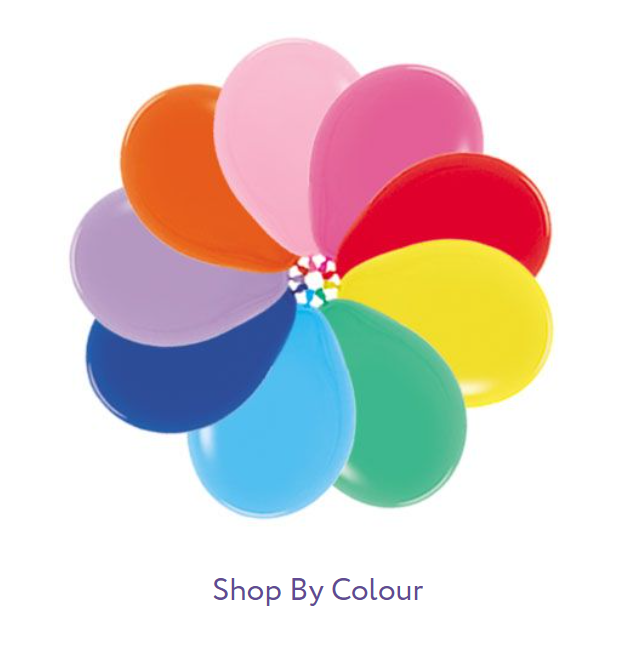
Shopping By Colour Is Easy!
- First, Click on the "Categories Menu" in the top left corner of the homepage.
- Hover over "Latex" under the Categories Menu. You will see another menu pop up beside it.
- Hover over "Shop By Colour" and click on it.
- This will direct you to a page categorized by colour including images. This will help you efficiently choose which colour(s) you need. If you are looking for a few specific colours, you can right click each colour you want and open it to a new window if you wish.