


Out of stock, now what?
Out Of Stock Items
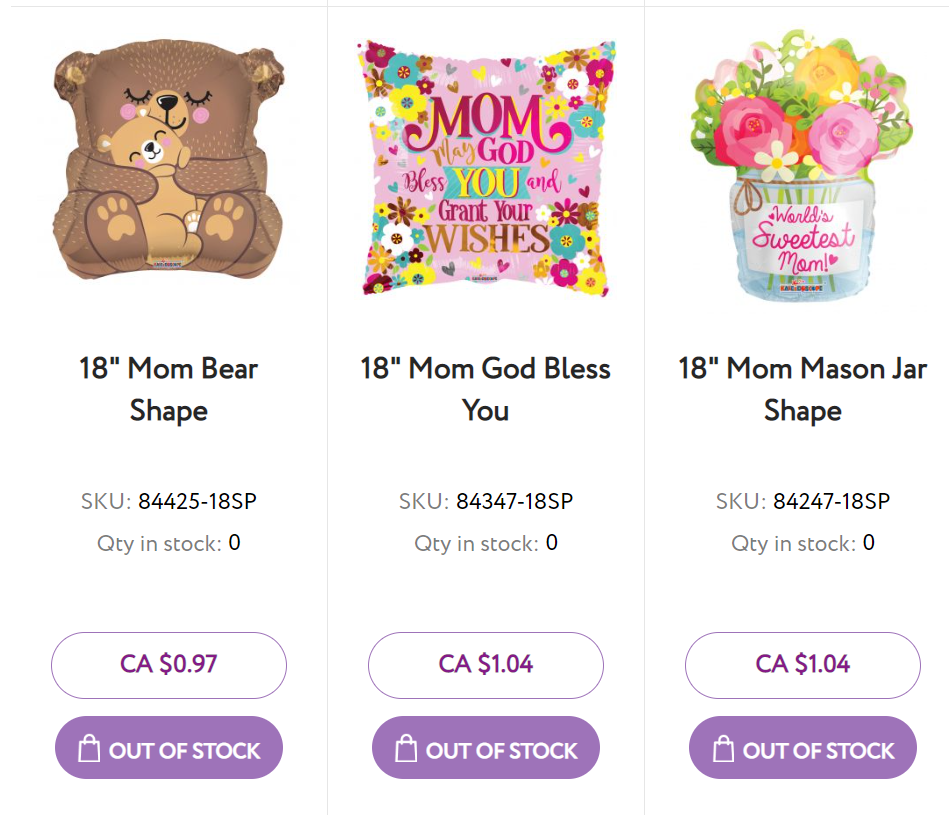
Before Your Order Was Placed
You cannot add an out of stock product to your cart. As you can see on the images to the left, the "Add To Cart" button will say "Out Of Stock" instead. You will not be able to click them.
You can be notified when this product is back in stock!
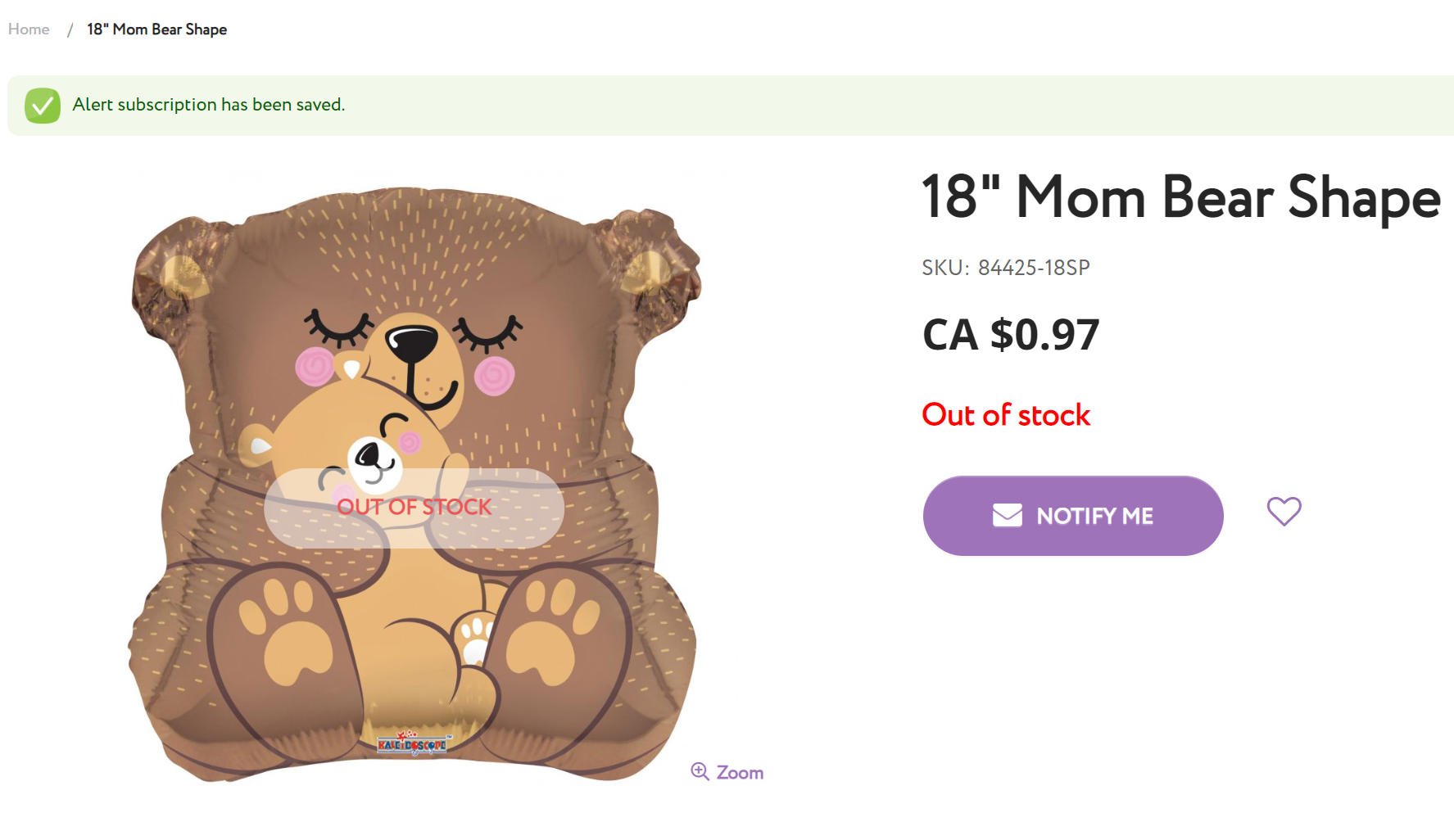
- If you click on the out of stock product, you will be taken to its main product page.
- Click on the "Notify Me" tab here, and you will see that there is a "Notify Me" button next to out of stock products on their product page.
- Click on the "Notify Me" button. A green bar will then appear at the top stating "Alert subscription has been saved".
- You will receive an email when the product is back in stock.

After Your Order Was Placed
In very rare cases, a product you were able to order may be out of stock. A product may go out of stock as you are ordering, or was sold out before we were able to pick your order.
Should this occur we will contact you and ask if:
- You would like us to send you the order as-is without the out of stock product. In this case you will be refunded the out of stock products.
- Or, We can cancel your order so that you may place a new order with the adjustments you need to make. Don't worry, you can very easily reorder and adjust your canceled order.